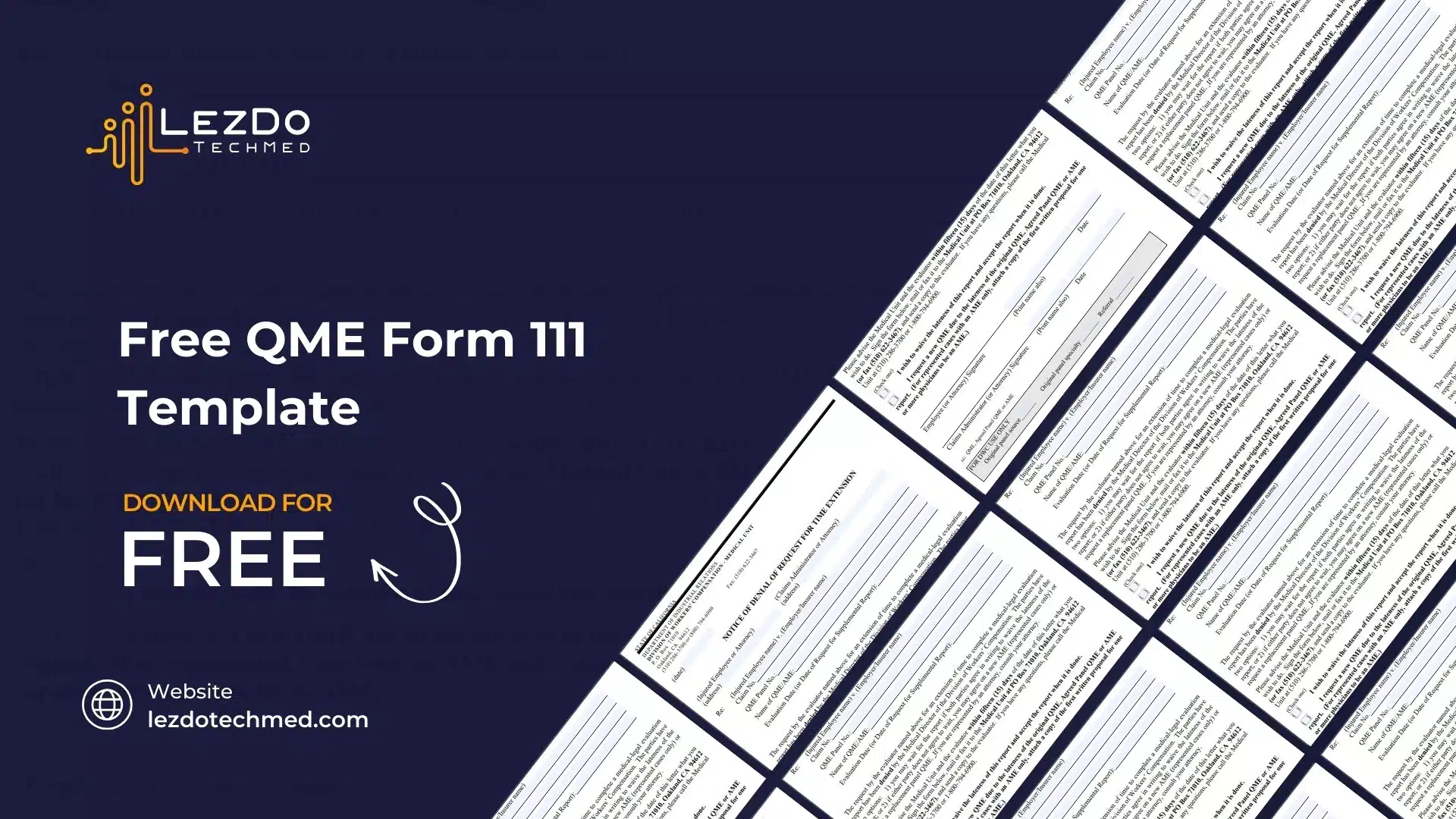
Free QME Form 111 Template

Free QME Form 111 Template – Download Now for Unrepresented Injured Employee Cases

Download the QME Form 111 template for free. This form summarizes the medical findings of a Qualified Medical Evaluator (QME) in unrepresented workers’ compensation cases.
Free Download
The Qualified Medical Evaluator’s Findings Summary Form (Form 111) is used in California workers' compensation cases where the injured worker does not have an attorney. This form provides a clear and concise summary of the QME’s medical evaluation, helping the claims administrator understand the case without reviewing a full medical report.
Why Use QME Form 111?

This form is designed to:

  • Summarize the QME’s findings in a simple, easy-to-read format.
  • Provide key medical details about the injury, disability rating, and treatment recommendations.
  • Ensure claims administrators receive essential medical information without needing the full medical-legal report.
Who Completes This Form?

The Qualified Medical Evaluator (QME) completes Form 111 after examining the injured worker. It is only used when the injured worker does not have legal representation.
What Information Is Included?
  • Injured worker’s details
  • Date of injury and medical evaluation
  • Disputed medical issues
  • QME’s findings, including diagnosis and disability rating
  • Treatment recommendations and next steps
Related Guides
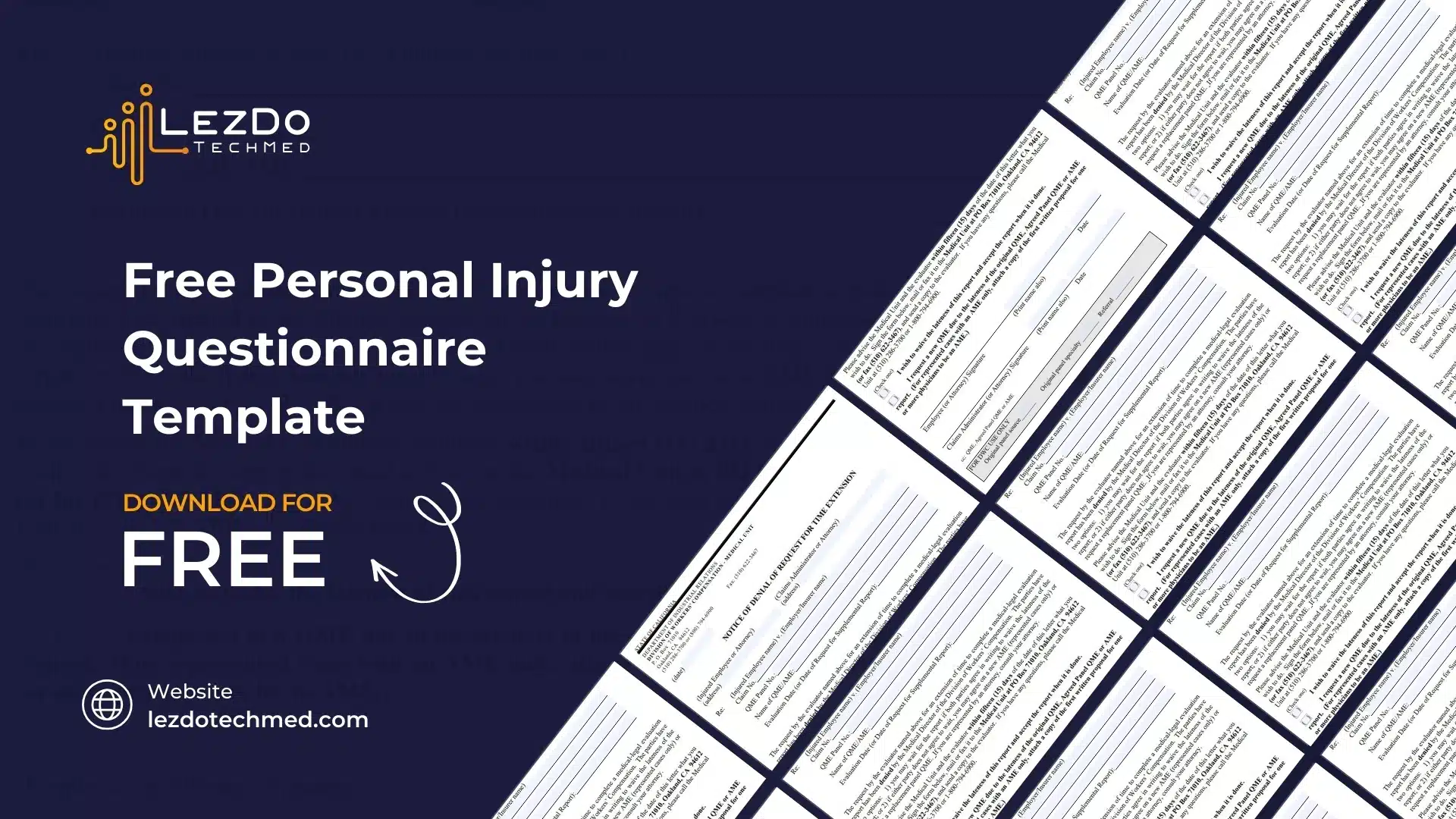
Free Personal Injury Questionnaire Template
Free Personal Injury Questionnaire Template – Download Now
Get a free Personal Injury Questionnaire Template to document accident details, medical treatment, and financial losses for your personal injury claim.
Free Download
Request for Factual Correction of an Unrepresented Panel QME Report (QME Form 37)
Download the QME Form 37 template to request factual corrections to an unrepresented panel QME report in California workers' compensation cases. Get it free now!
Free Download
Black close button icon with a white 'X' in the center.
🔗 Link copied successfully